logo

JEONGGON

    블로그
github
mode
목 차
down-arrow

Vite React 설치

2024.03.21.

post-thumbnail

Vite를 이용한 React 설치

1. 설치 방법

1-1. Vite로 설치

$ npm init vite
  • 명령어 실행 후, 폴더(프로젝트) 명, 라이브러리, 언어 옵션을 선택하면 프로젝트가 생성됨

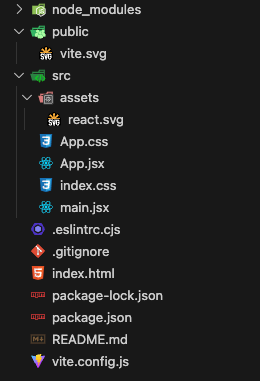
Vite_files
Vite로 생성한 React 폴더 및 파일


1-2. dependency 설치

$ npm install

1-3. 서버 실행하기

$ npm run dev
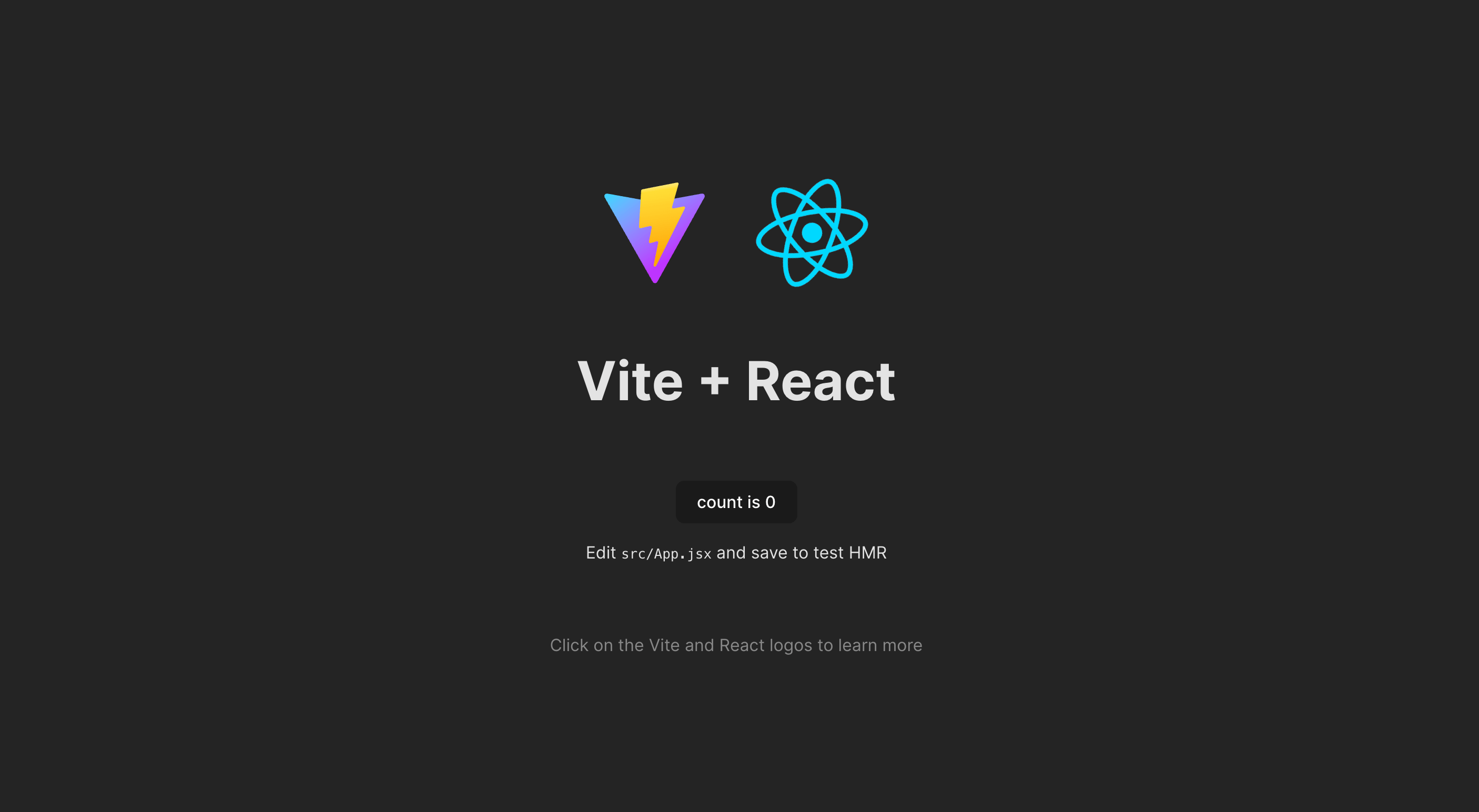
  • localhost:5173 포트에서 실행되는 것을 확인 할 수 있음

Vite_react
Vite로 생성한 React 초기화면

vitebundlesettinginstallreact
profile

조정곤

주니어 프론트엔드 개발자

github
linkedin
instagram
email

< 이전글

Vite Create-React-App과 비교

다음글 >

Vite 소개

Vite 포스트 (3)

down-arrow
Vite Create-React-App과 비교Vite React 설치Vite 소개