<body><h1>복권 당첨 번호</h1><script>const h1Tag = document.querySelector("h1");
h1Tag.addEventListener("copy",(event)=>{
console.log(event);
event.preventDefault();alert("복사 할 수 없어요!!");});</script></body>
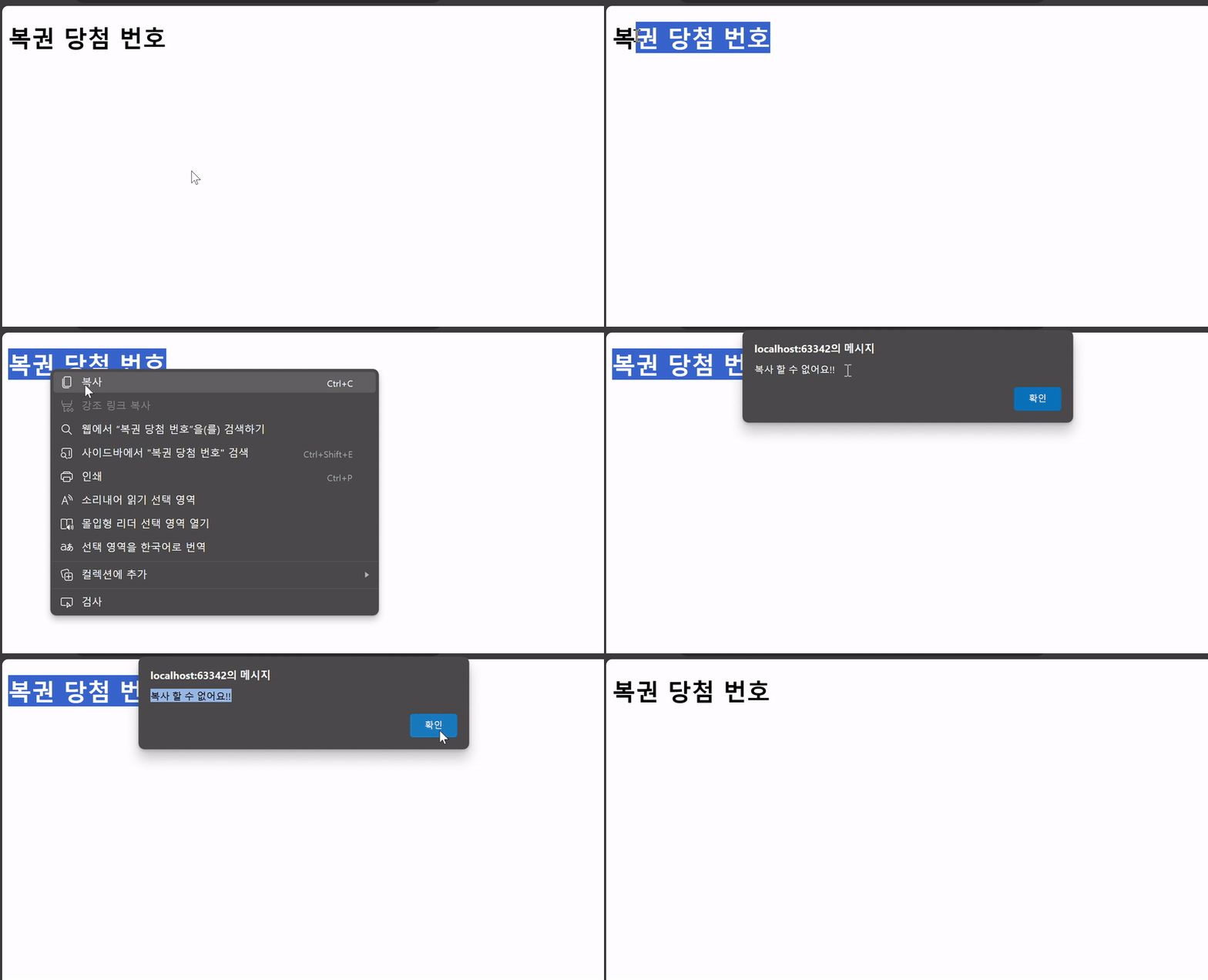
이벤트 취소 예시 결과
- .preventDefault()
현재 Event의 기본 동작을 중단
2-5. 간단한 To do 만들기
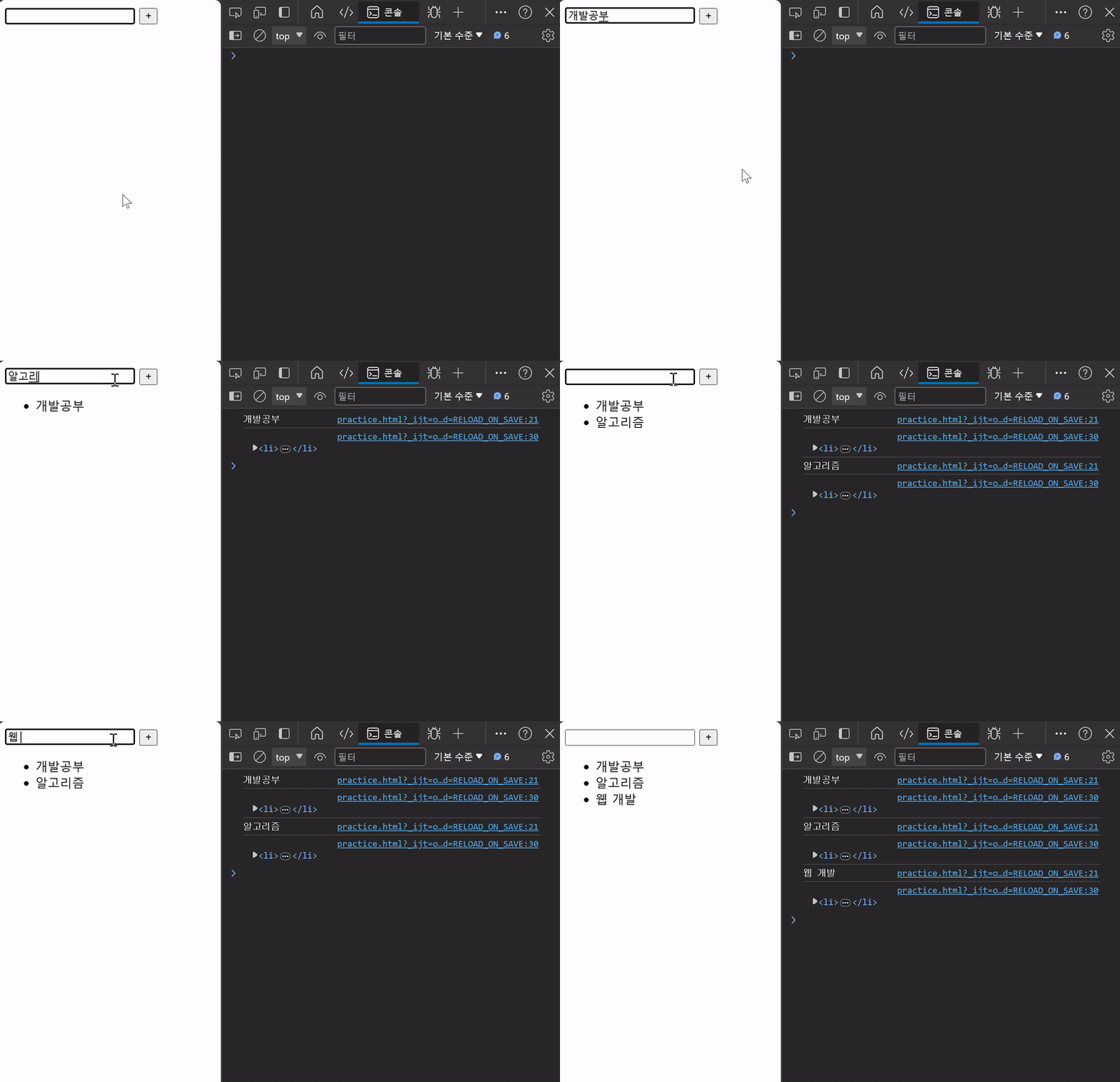
할 일을 입력하고 버튼을 클릭하면 할 일 요소를 생성
input 컨텐츠를 작성하지 않고 버튼 클릭 시, 경고 알림 출력
<body><inputtype="text"class="input-text"/><buttonid="btn">+</button><ul></ul><script>// 1. 필요한 요소 모두 선택const inputTag = document.querySelector(".input-text");const btn = document.querySelector("#btn");const ulTag = document.querySelector("ul");constaddTodo=(event)=>{// 2.1 사용자 입력 데이터 저장const inputData = inputTag.value;
console.log(inputData);// 2.2 사용자 입력 데이터 공백 제거 후 확인if(inputData.trim()){// 2.3 데이터를 지정할 li 요소 생성const liTag = document.createElement("li");// 2.4 li요소 컨텐츠에 데이터 입력
liTag.textContent = inputData;
console.log(liTag);// 2.5 li요소를 부모 ul요소의 자식 요소로 추가
ulTag.appendChild(liTag);// 2.6 할 일 추가 후 input의 입력 데이터는 초기화
inputTag.value ="";}else{// 2.7 사용자 입력 데이터가 없을 경우alert("할 일을 입력해주세요!");}};// 2. 버튼에 이벤트 핸들러 부착
btn.addEventListener("click", addTodo);</script></body>
간단한 To do 만들기 결과
2-6. 로또 번호 생성기 예시
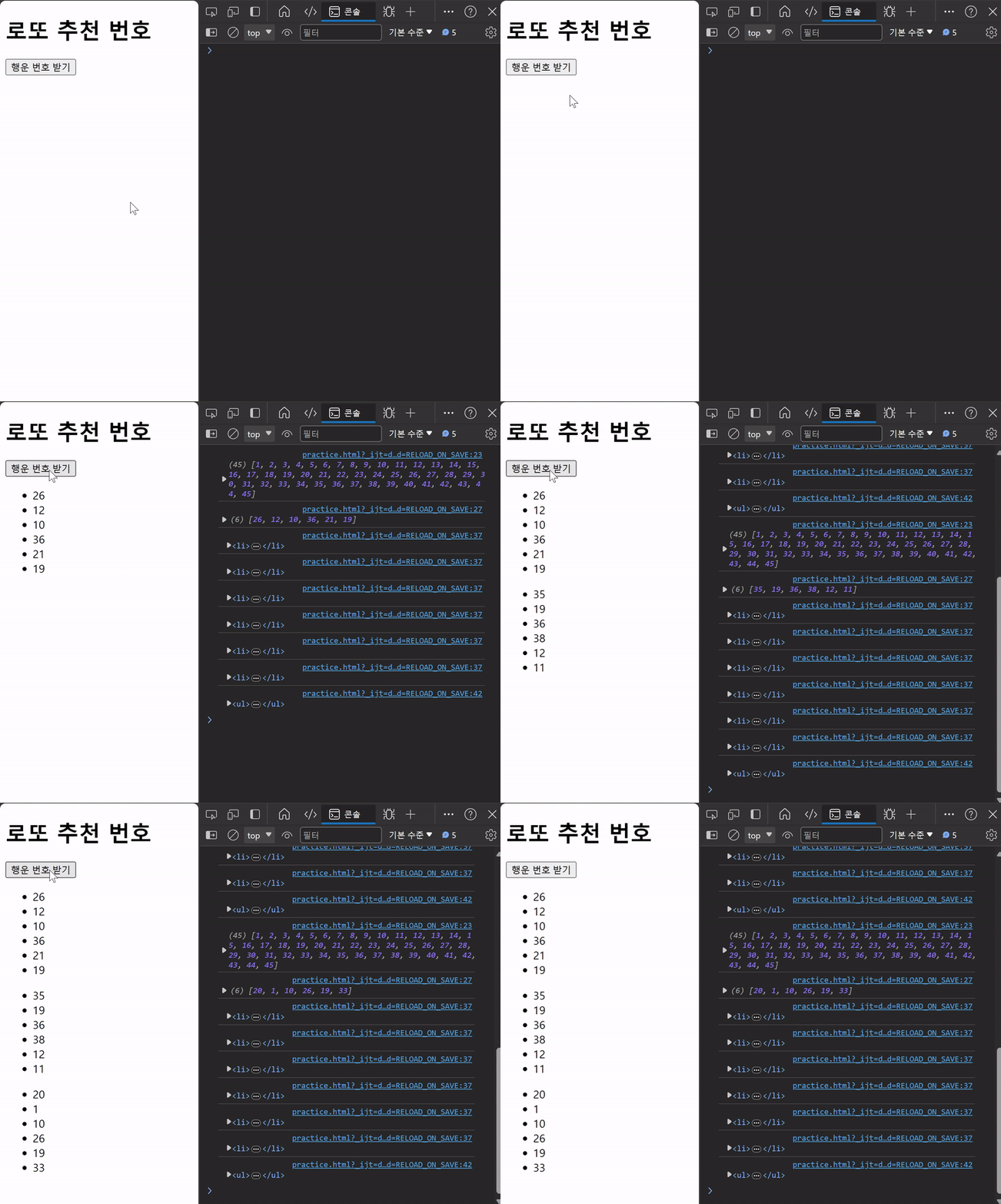
버튼 클릭 시, 랜덤한 로또 번호 생성
<body><h1>로또 추천 번호</h1><buttonid="btn">행운 번호 받기</button><div></div><scriptsrc="https://cdn.jsdelivr.net/npm/lodash@4.17.21/lodash.min.js"></script><script>// 1. 필요한 모든 요소 선택const h1Tag = document.querySelector("h1");const btn = document.querySelector("#btn");const divTag = document.querySelector("div");// 2. 버튼 요소에 이벤트 핸들러 부착
btn.addEventListener("click",(event)=>{// 2.1 1부터 45까지의 값이 필요const numbers = _.range(1,46);
console.log(numbers);// 2.2 45개의 요소가 있는 배열에서 6개 번호 추출const sixNumbers = _.sampleSize(numbers,6);
console.log(sixNumbers);// 2.3 6개의 요소를 담을 ul요소 생성const ulTag = document.createElement("ul");// 2.4 추출한 번호 배열을 '반복'하면서 li요소 생성
sixNumbers.forEach((number)=>{// 2.5 번호 담을 li요소 생성 후 입력const liTag = document.createElement("li");
liTag.textContent = number;
console.log(liTag);// 2.6 만들어진 li요소를 ul요소에 추가
ulTag.appendChild(liTag);});
console.log(ulTag);// 2.7 완성된 ul요소를 div요소에 추가
divTag.appendChild(ulTag);});</script></body>
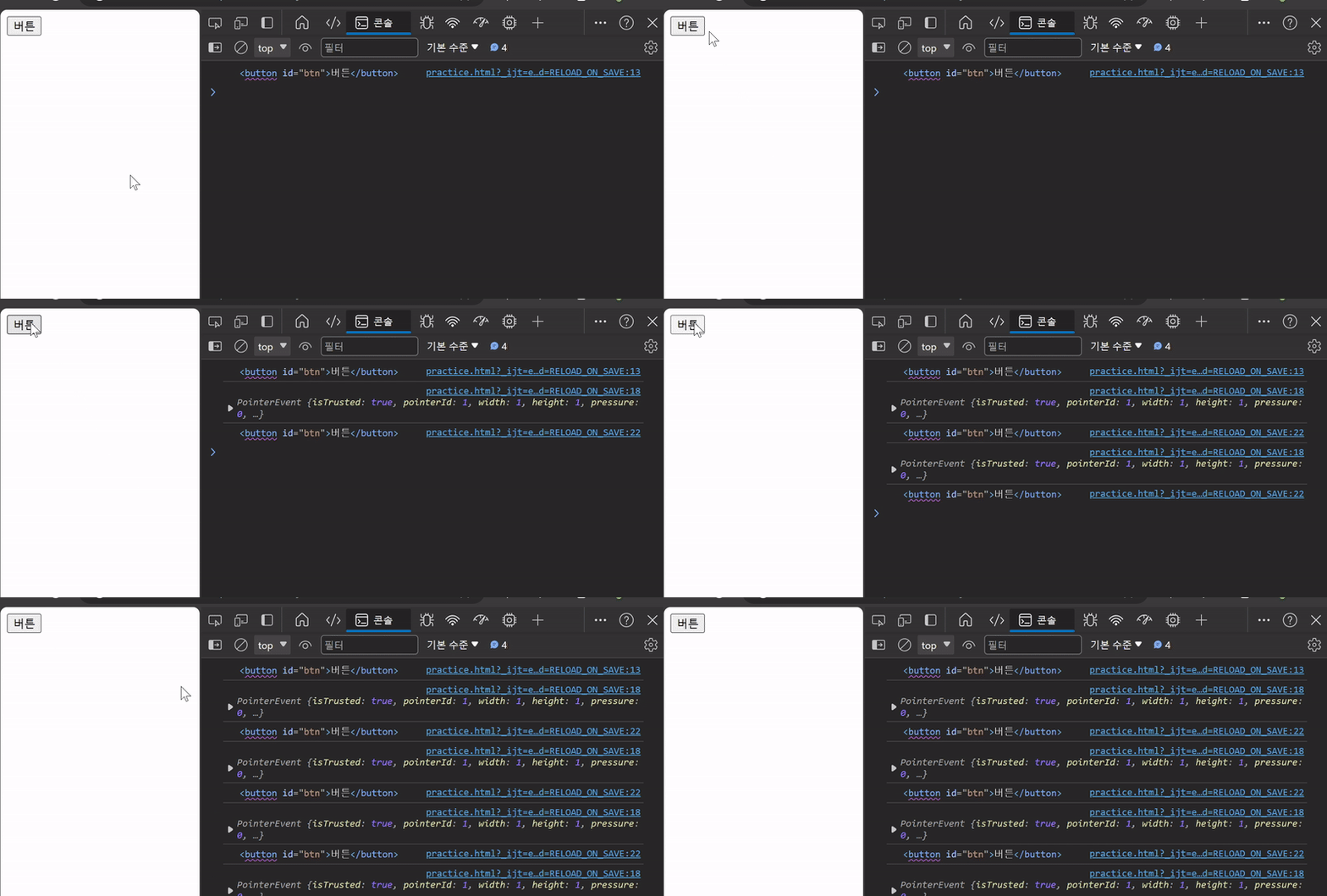
addEventListener에서의 콜백함수는 특별하게 function 키워드의 경우, addEventListener를 호출한 대상(event.target)을 뜻함
<!--function 함수와 화살표 함수 이벤트 핸들러의 콜백함수에서 this 사용 비교--><body><buttonid="function">function</button><buttonid="arrow">arrow function</button><script>const functionButton = document.querySelector("#function");const arrowButton = document.querySelector("#arrow");
functionButton.addEventListener("click",function(){
console.log(this);// <button id="function">function</button>// 호출한 버튼 자체를 this로 받음});
arrowButton.addEventListener("click",()=>{
console.log(this);// window// 최상위 전역 객체 window 받음});</script></body>